Projects tagged “TV”
Crafting experiences for the living room
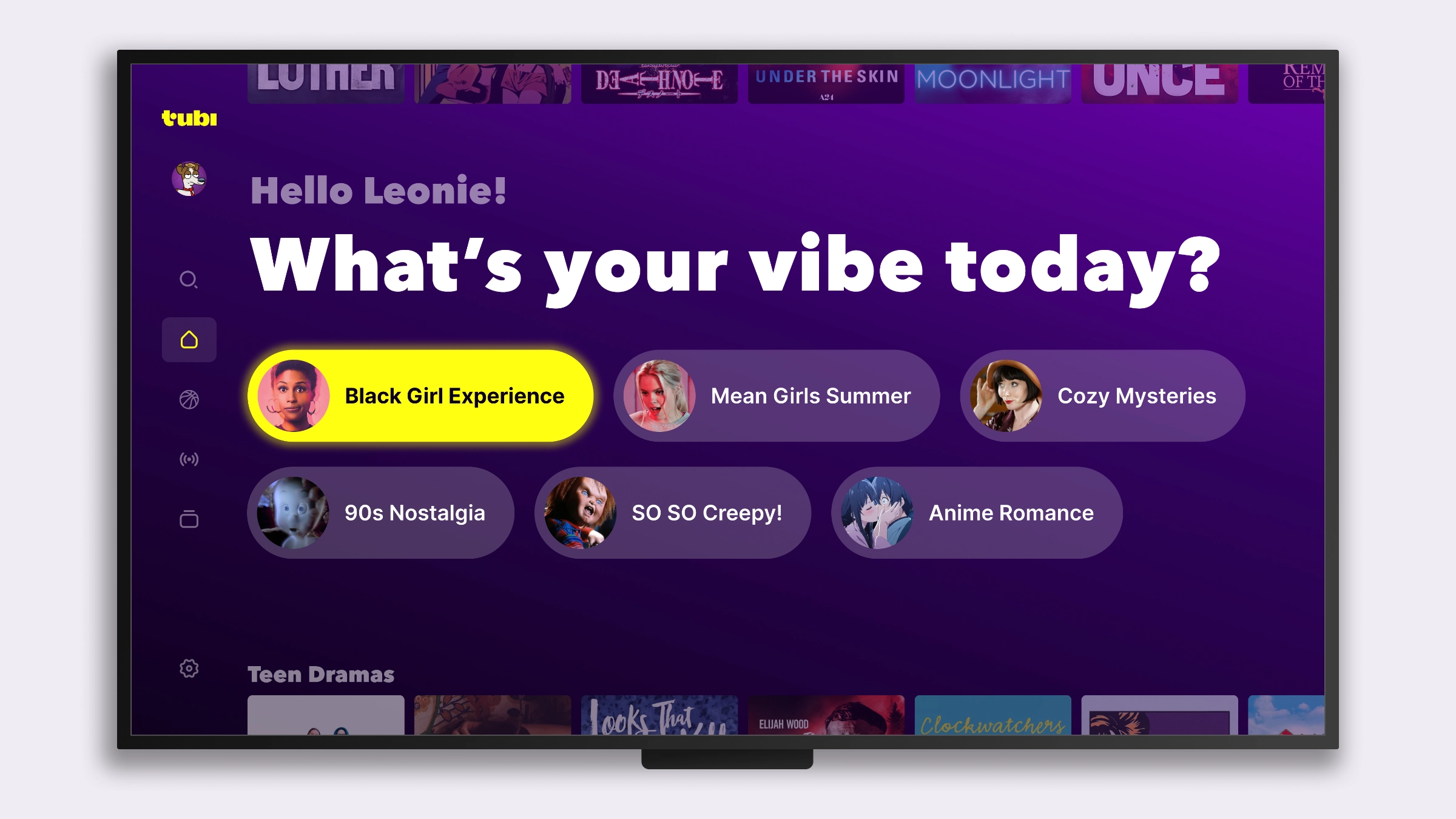
A selection of “10-Foot UI” designs for Tubi’s TV app
If I had to pick one reason I chose to be a designer, I’d say it’s to never be bored, and designing for an environment I haven’t yet designed for is the perfect antidote to boredom. At Tubi I had the chance to pick up new skills, experiencing both curiosity and frustration working on OTT. Human/device interactions on TVs are somehow the polar opposite of mobile: where touch interfaces make our actions quick and less conscious, using a remote intrinsically carries a level of clunkiness that sits right between the user and what they want to achieve. When it comes to speccing, TV has its own set of complications, from the big divide between Roku and the rest of the HTML5-based platforms, to the fact that remotes come in different forms with different buttons. <strong> Here are a few mocks from my OTT designs. </strong>
Rethinking Tubi’s carousels
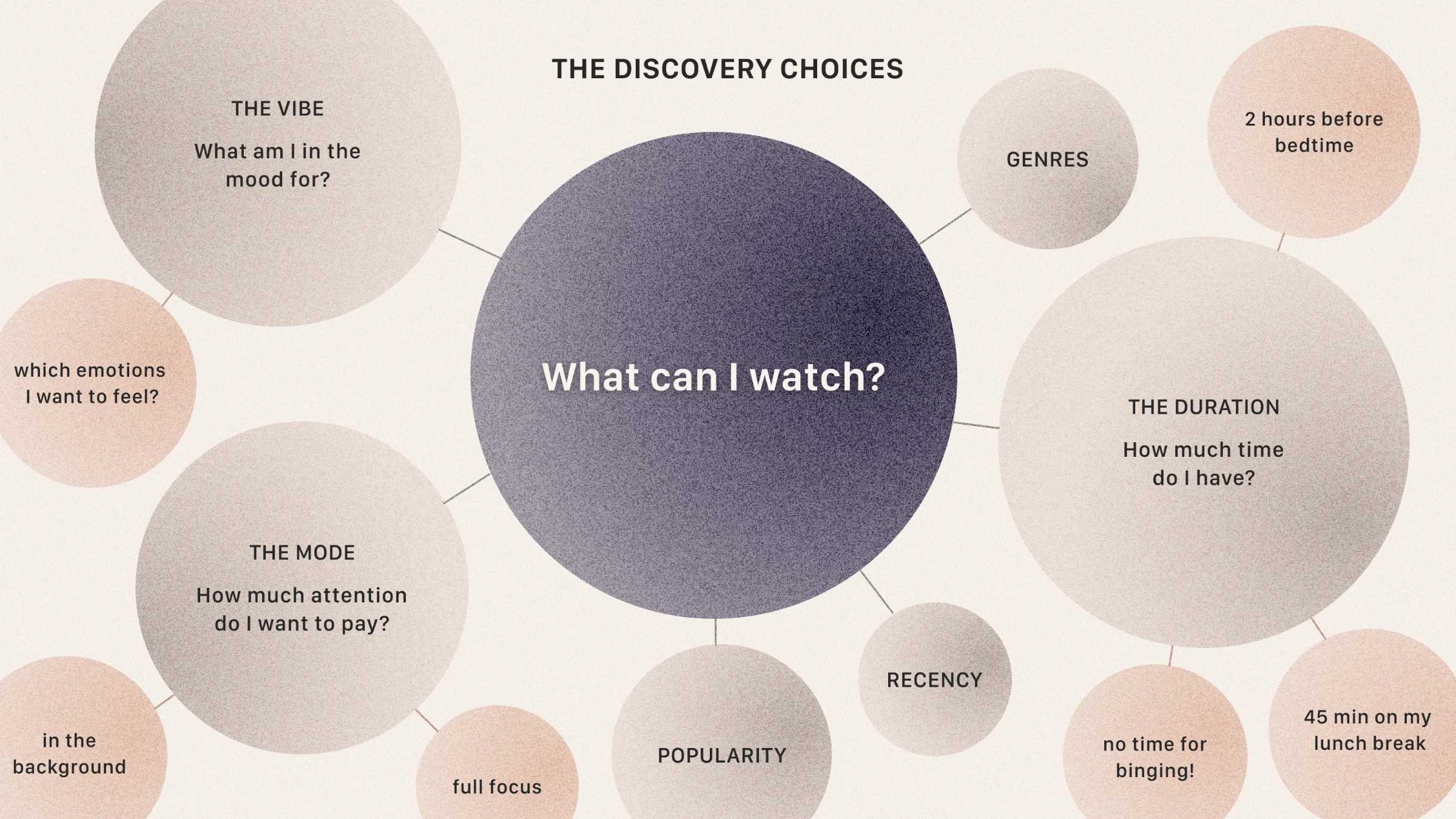
A framework for turning research insights into greater trust and engagement
What do you get if you put together a giant streaming catalog of 50k+ titles, with many obscure or forgotten flicks from a vintage era, generic content carousels with no curation, and machine learning recommendations steered in unpredictable directions by power users? The answer: a very confusing discovery experience for new users. This was a known problem at Tubi. Our user research showed that even if we couldn’t rely on the buzz and word of mouth generated by new Netflix or HBO titles, we had other tools at hand. There were signals we were ignoring, characteristics our audience could use to choose something to watch, that could guide users and generate trust. From these thoughts came the idea to build a framework for grouping content into containers (the carousel rows we scroll through on the TV or phone app) in a way that more closely matched the mindset of the user deciding what to watch. This is a more heady, “philosophical” exercise of content design I strategized on and developed with <a href="https://www.linkedin.com/in/maureenbe/" title="Maureen Bee LinkedIn Profile" target="_blank">Maureen Bee</a>, Lead UX Researcher.